Some things should stay on your phone and nowhere else.
Keep Closed seals photos, videos and any file behind real encryption, on your iPhone and iPad. One PIN opens your vault. A second opens a decoy. A third destroys the key. No account, nothing collected.

Free to start. For iPhone and iPad with iOS 17 or later.
Coming soon to the App Store.
Private by design
A vault, not a hidden folder.
Hidden folders hide. Keep Closed encrypts every item before it is stored, and the key never exists without your PIN and your phone together.
Real encryption
Every photo, video and file is encrypted with AES-256. The key comes from your PIN through a deliberately slow derivation and is wrapped again by the Secure Enclave.
Bound to your phone
Guessing the PIN needs the phone, and having the phone needs the PIN. Wrong guesses are slowed down, with growing delays after the third.
Hidden the moment you switch apps
The app switcher shows a shield, not your photos, and the vault locks itself when you leave or when the phone locks.
Nothing collected
No account, no server, no analytics, no ads. The App Store privacy label is Data Not Collected, and the app itself never talks to a server.
Three PINs
For when handing over the phone is unavoidable.
This page says it out loud, so nothing here relies on surprise. It relies on there being nothing to find.
Opens the real vault
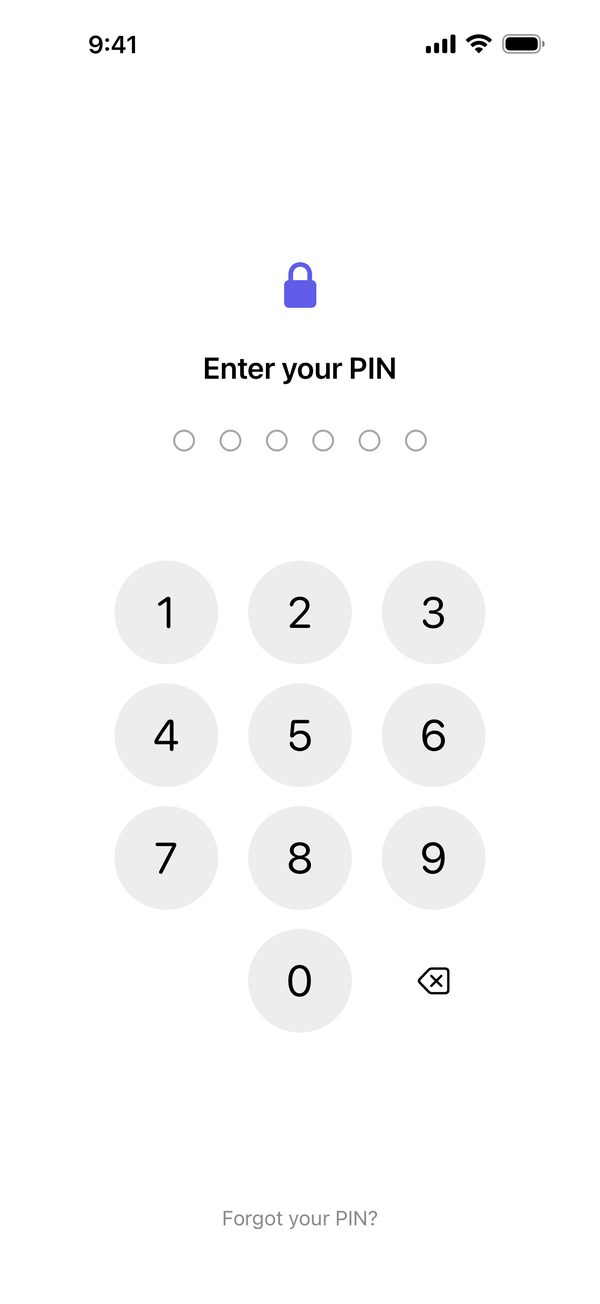
Six digits or more, chosen by you. Face ID is optional and off until you turn it on.
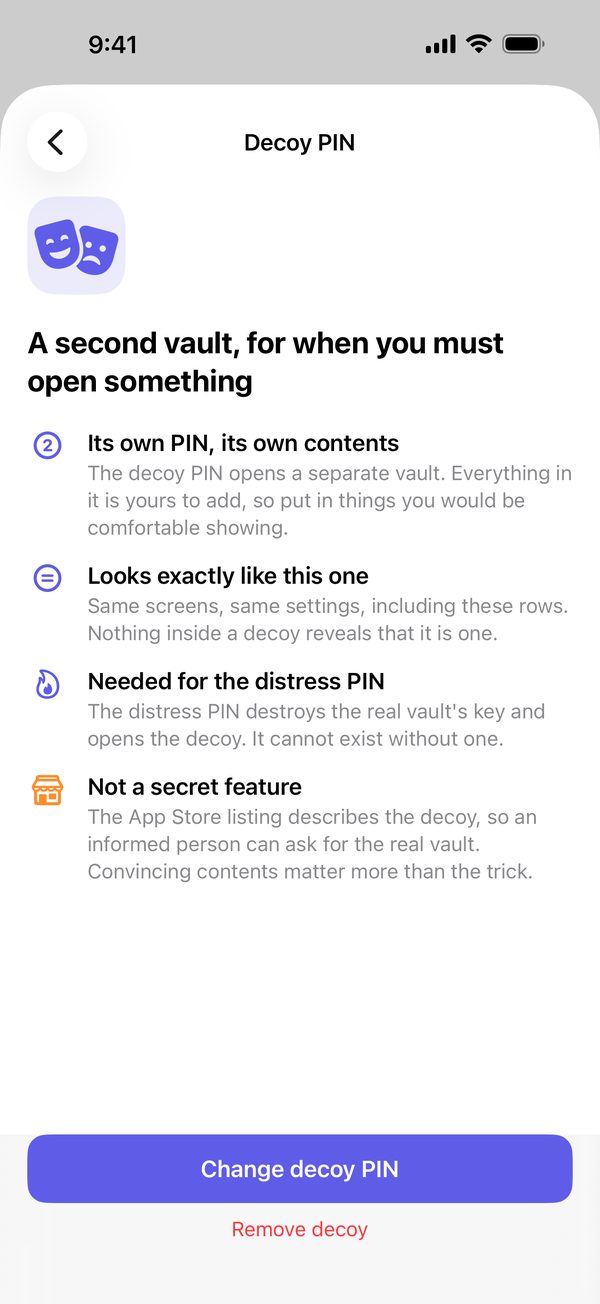
Opens a second vault
You fill it yourself. Same screens, same settings; nothing inside reveals that another vault exists. Copy a few believable items into it in one step.
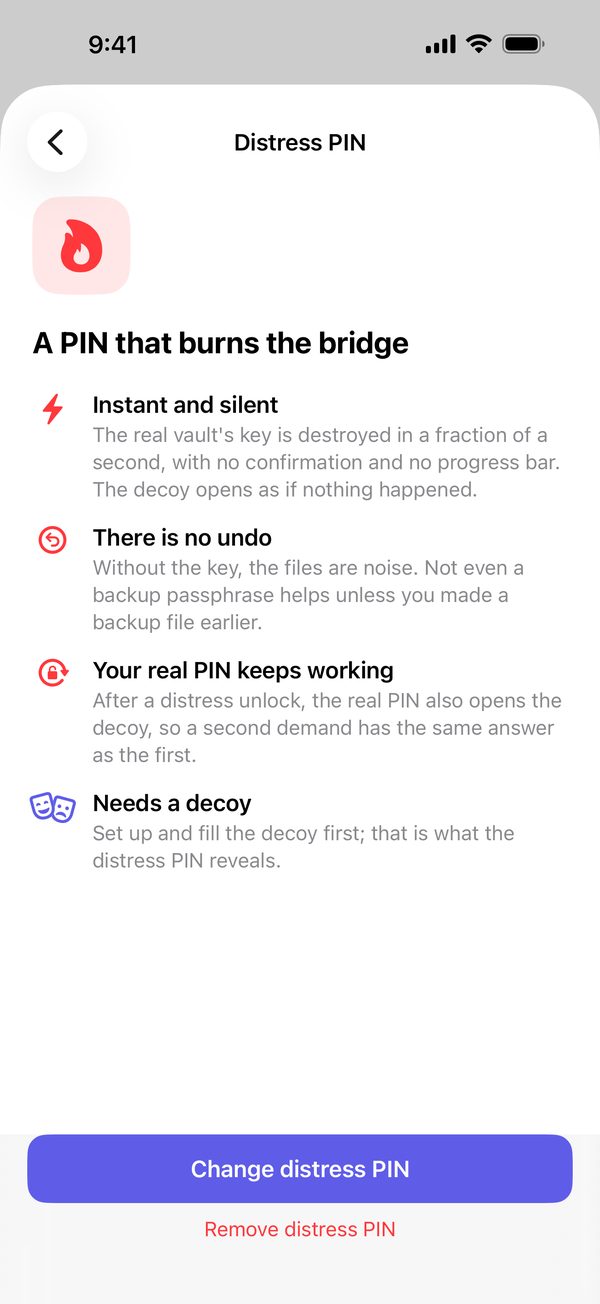
Destroys the real vault's key
Instantly and silently, then it opens the decoy. No confirmation, no progress bar. Afterwards your real PIN opens the decoy too, so a second demand gets the same answer as the first.
Honest about the limits: the decoy is public knowledge, so fill it with something believable. Photos keeps deleted originals for 30 days. Nothing protects a phone that is already unlocked in someone else's hands. The FAQ has the rest.
A quick tour
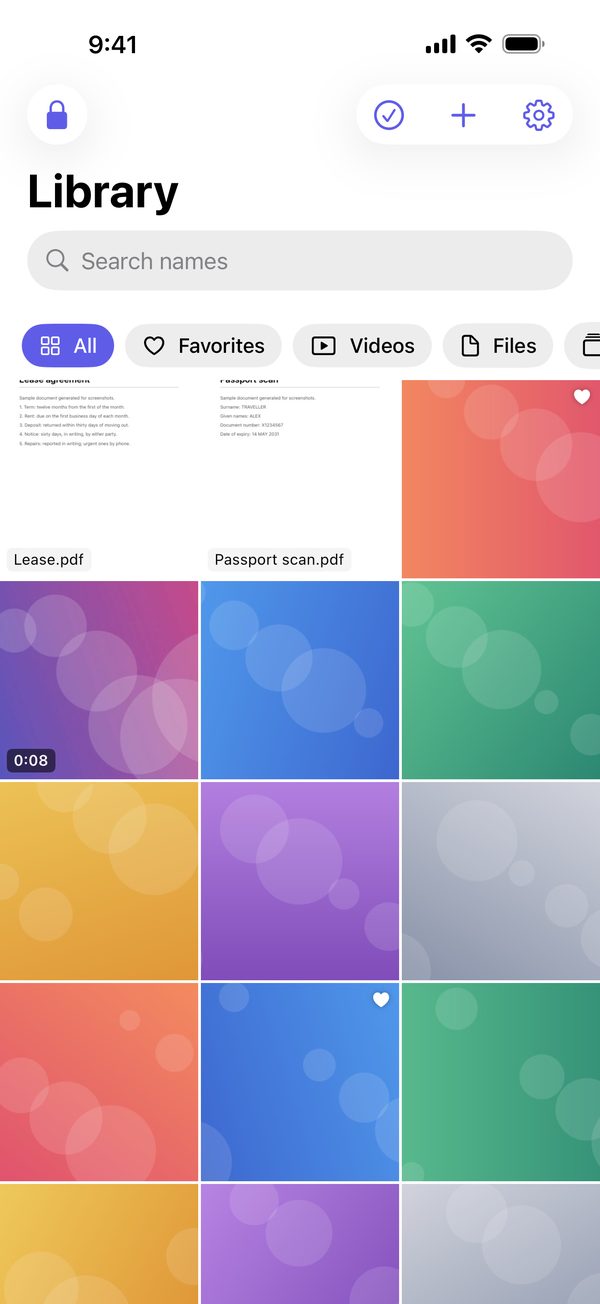
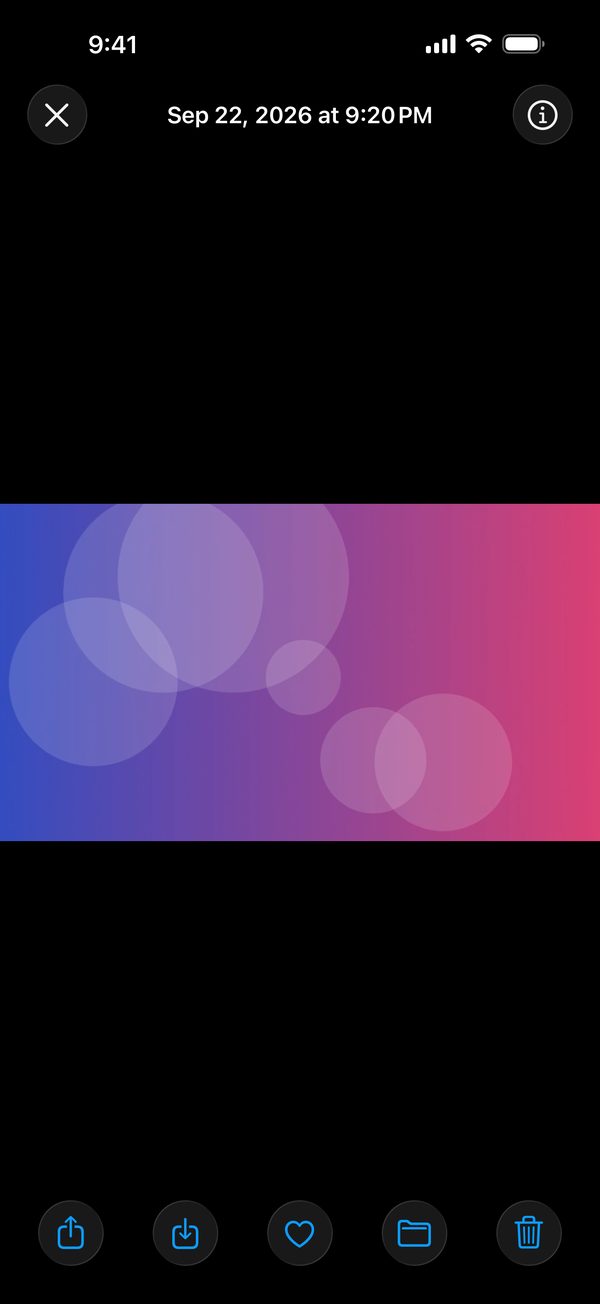
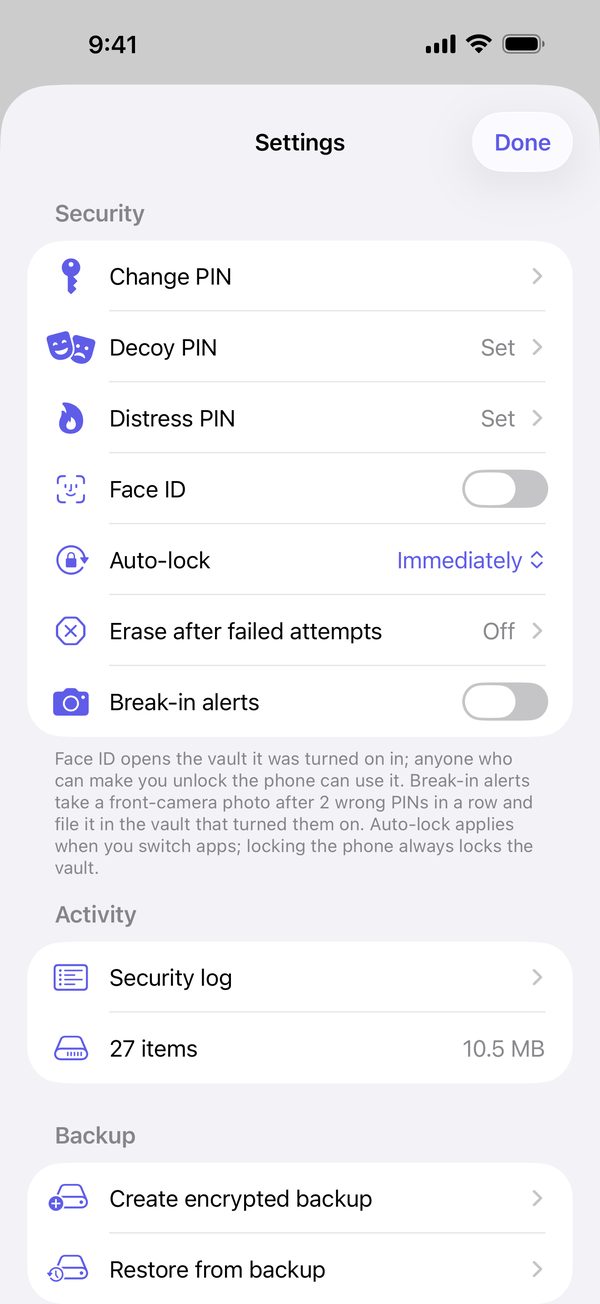
Everything, behind one keypad.
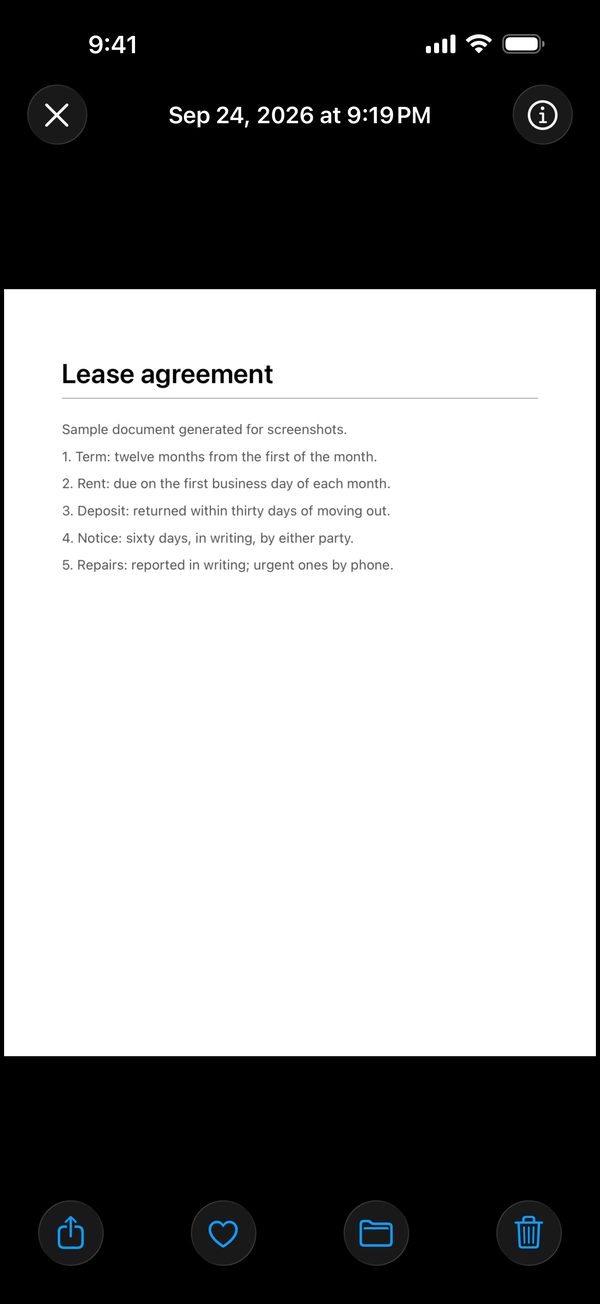
The same screens whichever vault is open. That is the point.
Made for iPad too
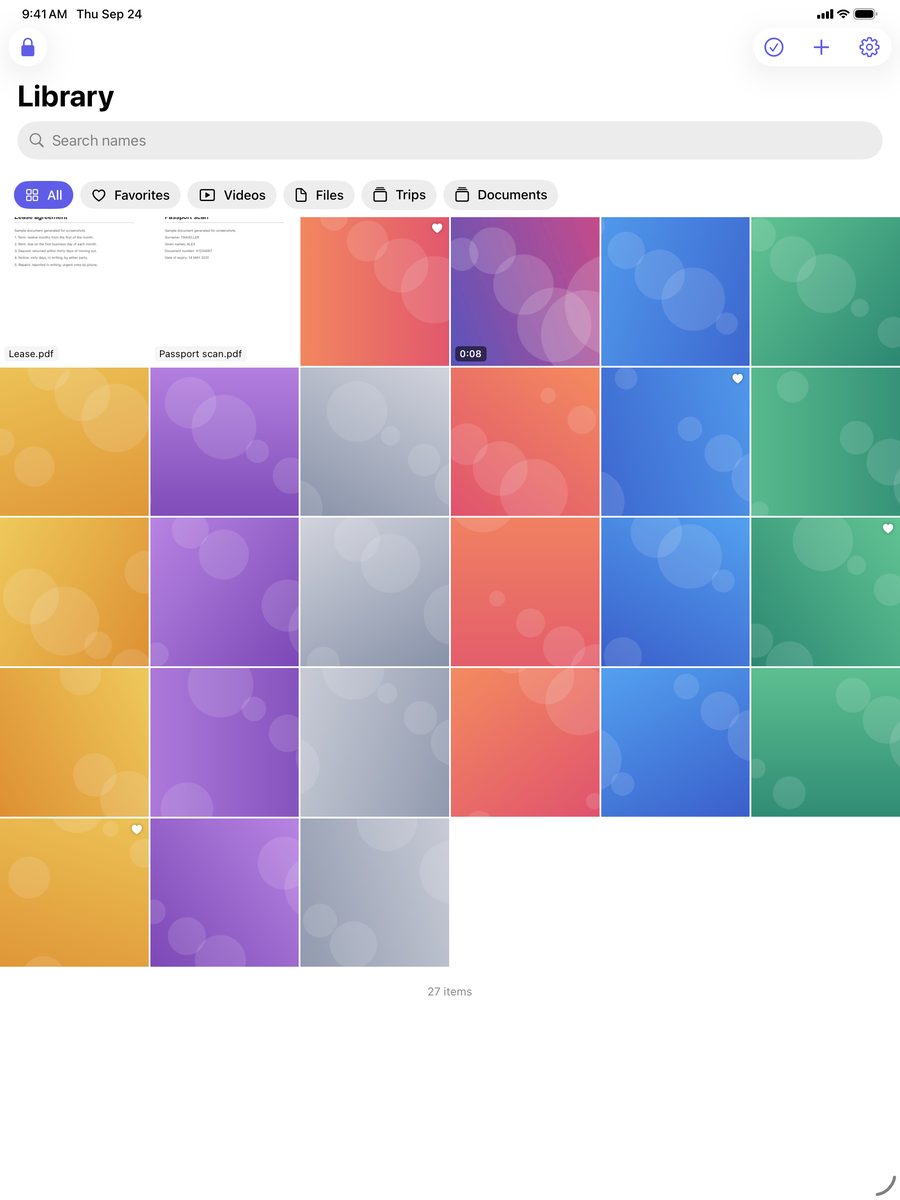
The same vault on the bigger screen, in any orientation, with the same three PINs.
And more
An everyday vault.
Any file
Photos and videos from Photos, or any file from Files: PDFs, documents, audio, archives. Office documents and the rest preview from a temporary copy that is deleted when you close it.
Take a photo straight in
The camera saves into the vault, so the photo never touches Photos.
Send from any app
Keep Closed is a share-sheet target for any file. It is imported the moment you unlock.
Delete the originals
After an import the app offers once to delete the originals from Photos. Duplicates are skipped.
Albums, favorites, search
Organize the way you like, pinch to zoom, and find anything by name.
Break-in alerts
After repeated wrong PINs the front camera takes one photo and files it in your vault.
Encrypted backup
One backup file you keep wherever you like, restorable on any phone with your passphrase.
A security log
Screenshots, screen recordings, failed attempts and exports, logged for you to review.
Free and Pro
Free to start. Pro for everything.
Both are equally private. Pro changes the limits, not where your data goes.
Free
Enough to try it properly.
- Ten items and one album per vault
- Every PIN: real, decoy and distress
- Previews, search, share, take a photo
- The same encryption as Pro
Keep Closed Pro
For the whole camera roll.
- Unlimited items and albums
- Video
- Break-in alerts
- Encrypted backups
- Yearly with a free week, monthly, or once for life
Prices are shown in the App Store before you buy. Cancel any time in Settings.
FAQ
The short answers.
Is it really private?
Yes. Everything is encrypted on your device with a key derived from your PIN and bound to the Secure Enclave. There is no account and no server. The App Store privacy label is Data Not Collected, and the privacy policy is short enough to read.
What if someone makes me unlock it?
Enter the decoy PIN. It opens a separate vault you filled yourself, with the same screens and settings. If the situation is worse than that, the distress PIN destroys the real vault's key before it opens the decoy, and nothing on the screen says so.
Can you reset my PIN or recover my vault?
No. We never have your PIN or your key. Forget the PIN and the vault is gone; that is the point. Keep the PIN somewhere safe and make an encrypted backup.
Does it sync or back up to iCloud?
No. The vault is bound to this device and excluded from iCloud and computer backups. The app writes one encrypted backup file that you keep wherever you like and restore on a new phone with its passphrase.
What can it not protect?
A phone that is already unlocked in someone else's hands. Photos keeps deleted originals in Recently Deleted for 30 days. The decoy is public knowledge, so fill it with something believable. Turning off the device passcode deletes the keys.
Which devices does it run on?
iPhone and iPad with iOS 17 or later.
How do I cancel Pro?
In Settings › Apple Account › Subscriptions. The free trial can be cancelled any time before it ends. On a new device, tap Restore Purchases in the app's settings.
How do I get help?
Email [email protected]. Every message is read.
Keep it closed.
Free to start on the App Store, for iPhone and iPad.
Coming soon.